
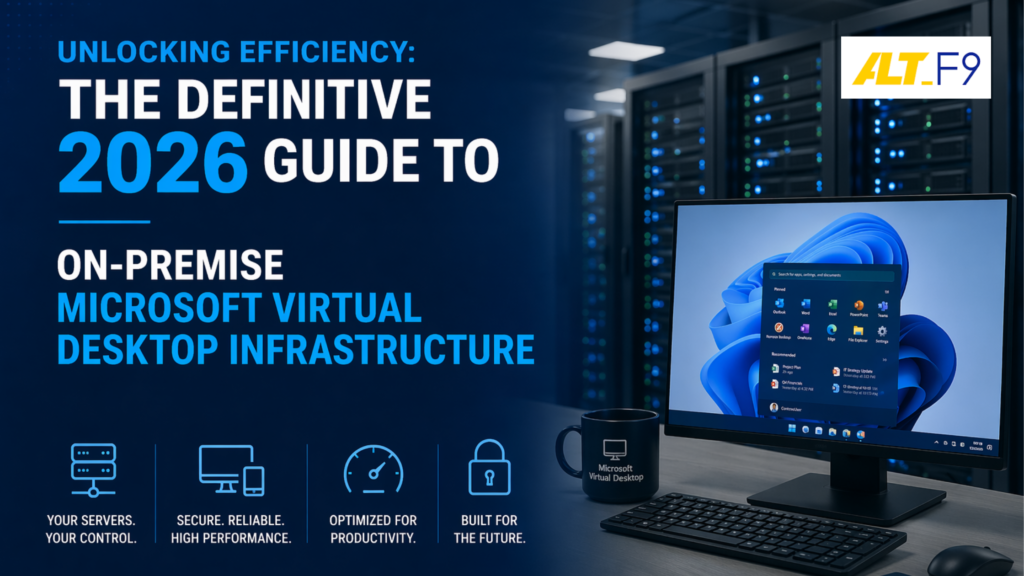
Unlock the potential of your workforce with on-premise Microsoft Virtual Desktop Infrastructure. By streamlining operations and enhancing collaboration, VDI allows businesses to thrive in a digital-first world without sacrificing control or security.
Understanding On-Premise vs. Cloud Solutions
In the modern digital landscape, choosing the right IT infrastructure is a pivotal strategic decision. Businesses must evaluate the fundamental differences between on-premise and cloud hosting:
- On-Premise Solutions: These involve hosting applications and data on local servers within your physical location. This approach offers direct control over resources, allowing for deep customization and alignment with strict compliance requirements.
- Cloud Solutions: These leverage remote servers hosted by third-party providers. While offering scalability and lower upfront costs, they often come at the expense of control and can lead to higher long-term operational expenses.
The choice hinges on your organization’s risk tolerance and long-term vision. For industries handling sensitive information, the enhanced security and data sovereignty of on-premise VDI remains the preferred choice.
Strategic Insight: This decision-making process is similar to selecting your telephony backbone. For more on this, view our2026 Guide on Cloud PBX vs. On-Prem PBX.
Key Benefits of On-Premise Microsoft VDI
Implementing an on-premise Microsoft VDI yields numerous advantages for modern organizations:
- Improved IT Control: Dictate exactly how virtual desktops are configured, managed, and secured to ensure 100% alignment with internal policies.
- Performance & Reliability: Minimize latency by hosting desktops within your own data center. This is essential for graphic-intensive software or real-time data processing tools.
- Cost Savings & ROI: While initial setup costs are higher, the long-term savings from reduced reliance on third-party providers are substantial. You can also leverage existing hardware to reduce costs further. For broader savings strategies, see our Guide to Reducing IT Infrastructure Costs.
Essential Components of Microsoft VDI
A robust VDI environment is built on three core pillars that work in harmony:
- Hyper-V Hypervisor: The foundation that enables the creation and management of Virtual Machines (VMs), optimizing resource utilization through features like live migration and dynamic memory.
- Remote Desktop Services (RDS): The engine that delivers applications and desktops to end-users. This includes the Connection Broker for session management and the RD Gateway for secure internet access. Learn more in the official Microsoft RDS Overview.
- Hardware Infrastructure: High-performance servers, robust storage (SSDs), and low-latency networking components form the backbone of a successful deployment.
Setting Up & Managing Your VDI Environment
The deployment of an on-premise VDI involves a structured, multi-phase roadmap:
The Implementation Roadmap
- Assessment: Conduct a thorough audit of user needs, application types, and security requirements.
- Design & Procurement: Create an architecture that meets your scale. Procure hardware based on Windows Server Capacity Planning documentation.
- Installation: Configure Hyper-V hosts, create VM templates, and establish RDS roles.
- Testing: Run rigorous performance and security tests before a full-scale rollout.
Best Practices for Management
- Monitoring: Use tools like Microsoft System Center to monitor environment health proactively.
- Disaster Recovery: Implement a comprehensive backup strategy to recover quickly from hardware failures. Discover our Backup Solutions in Chennai.
- Support & Training: Empower users with training to reduce support requests and improve overall productivity.
Security & Performance Optimization
Multi-Layered Security
- Infrastructure Hardening: Use firewalls and IDPS (Intrusion Detection and Prevention Systems).
- Authentication: Implement Multi-Factor Authentication (MFA) and Role-Based Access Control (RBAC).
- Encryption: Protect data at rest and in transit via SSL/TLS. Review Microsoft’s guide on Onboarding VDI Devices for advanced protection.
Performance Tuning
- Right-Sizing VMs: Allocate CPU and memory based on specific user needs to avoid resource waste.
- Storage Optimization: Use SSDs and implement deduplication to reduce latency and save space.
- Network QoS: Prioritize VDI traffic to ensure a seamless user experience during peak network usage.
Future Trends in VDI
As we look toward the future, several trends are shaping the VDI landscape:
- Hybrid VDI: Combining on-premise security with cloud scalability for seasonal workloads.
- AI & Machine Learning: Integrating AI to automate routine tasks and predict performance bottlenecks before they impact users.
- Enhanced User Experience: Focus on high-resolution graphics and GPU virtualization for demanding applications like 3D modeling.
❓ Frequently Asked Questions (FAQ)
1. Is on-premise VDI better for data security? Yes. By keeping data on local servers within your physical premises, you have total control over access and encryption, which is vital for compliant-heavy industries.
2. How does VDI help with IT cost management? It centralizes desktop management, reducing the time spent on individual hardware maintenance and allowing for the extension of the hardware lifecycle through thin-client usage.
3. Does AltF9 provide VDI support in Chennai? Absolutely. We specialize in helping businesses in Chennai and across India transition to high-performance, secure virtual environments.
Ready to Unshackle Your Workforce Efficiency?
Building a resilient, secure, and high-performance VDI environment requires expert planning and execution. At AltF9 Technology Solutions, we are dedicated to helping you unlock the full potential of your IT infrastructure.
Contact AltF9 Technology Solutions
- 📞 Phone: +91 8056005901
- ✉️ Email: contact@altf9.tech
- 🌐 Website: https://altf9.tech
- 📍 Location: Chennai, India