
Maximize Productivity with Amazon Workspaces: A Complete Guide
Unlock your team’s potential with Amazon Workspaces. This complete guide will help you streamline workflows and enhance productivity like never before. By leveraging the power of the cloud, AltF9 Technology Solutions Pvt Ltd ensures your business stays ahead of the digital curve.
Understanding the Benefits of Amazon Workspaces
Amazon Workspaces offers a robust platform that empowers organizations to leverage high-performance virtual desktops. One of the primary benefits is the flexibility it provides. Employees can access their desktops from anywhere—whether they are working from home, on the road, or at the office in Chennai. This flexibility not only ensures continuity in operations but also allows for a better work-life balance, which can boost morale and productivity.
Another significant advantage is cost-effectiveness. Traditional desktop infrastructure can be expensive due to hardware, maintenance, and upgrade costs. With Amazon Workspaces, you are essentially renting virtual desktops, which can be scaled up or down based on your needs. This pay-as-you-go model results in substantial savings, especially for growing businesses in Tamil Nadu that need to manage resources effectively.
Security is enhanced by design. Since data is stored in the AWS cloud rather than on individual devices, the risk of data loss due to theft or hardware failure is minimized. Additionally, Amazon Workspaces complies with various industry standards and regulations, offering peace of mind that sensitive data is protected.
Key Features of Amazon Workspaces
Amazon Workspaces comes packed with features designed to meet the diverse needs of modern businesses:
- Managed, Persistent Storage: Users can store data and settings, making it easy to resume work exactly where they left off.
- Variety of Instance Types: Whether your team requires basic computing or high-performance graphics, there is a “bundle” that fits.
- Seamless AWS Integration: Leverage additional tools like Amazon WorkDocs for file sharing and CloudWatch for real-time tracking without third-party friction.
Comparing Amazon Workspaces with Other Virtual Desktop Solutions
When comparing Amazon Workspaces with other solutions, the level of integration is the standout difference. Amazon Workspaces provides a comprehensive suite of tools within the AWS ecosystem without needing complex third-party software.
Cost is another critical factor. While traditional VDI solutions often require significant upfront investment in hardware and licensing, Amazon Workspaces operates on a pay-as-you-go model. This is particularly beneficial for small to medium-sized businesses in Chennai that may not have the capital for on-premises infrastructure.
Use Cases for Different Industries
- Financial Sector: Provides secure access to trading applications and sensitive data while meeting strict compliance standards.
- Healthcare Industry: Facilitates telemedicine in Tamil Nadu, allowing providers to access records securely from any location.
- Educational Institutions: Sets up virtual classrooms quickly, providing students access to resources from any device—perfect for hybrid education models.
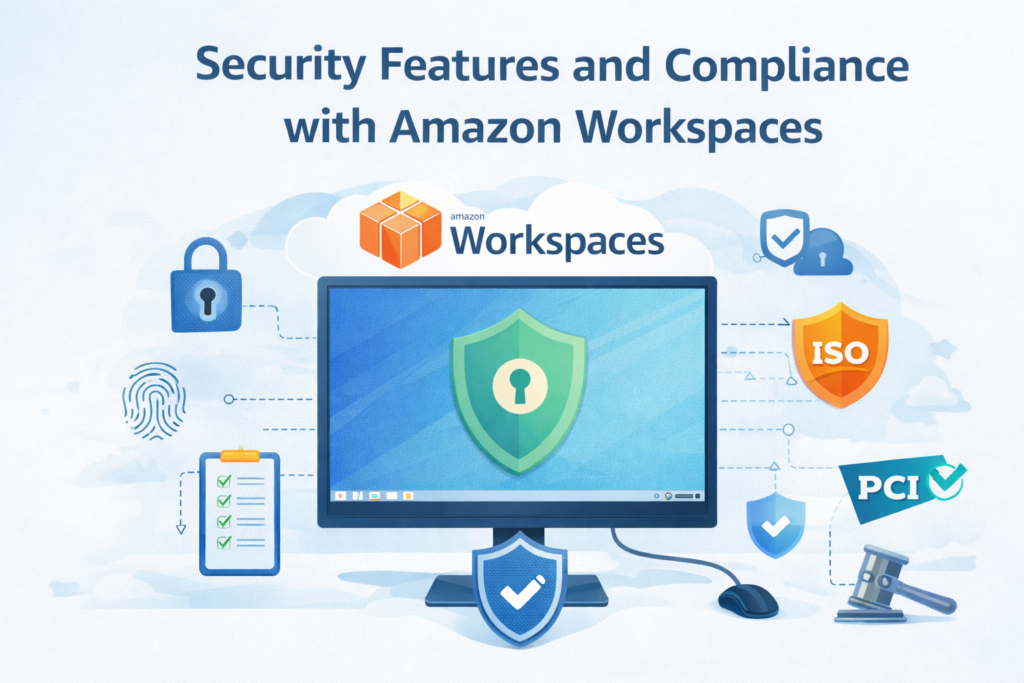
Security Features and Compliance
Security is a top priority. Key features include:
1.Data Encryption: Both data at rest and in transit are encrypted using industry-standard protocols.
2.Global Compliance: The platform meets standards including GDPR, HIPAA, and SOC 2.
3.Built-in Controls: Administrators can define specific access policies and utilize network isolation for a secure, segmented environment.
Crucially, Amazon WorkSpaces provides a persistent, cloud-based environment that is a cornerstone of Disaster Recovery on cloud, ensuring that even if your local office faces an outage, your team in Chennai remains productive.
Setting Up Your Amazon Workspaces Environment
Setting up the environment is a straightforward process when following these professional steps:
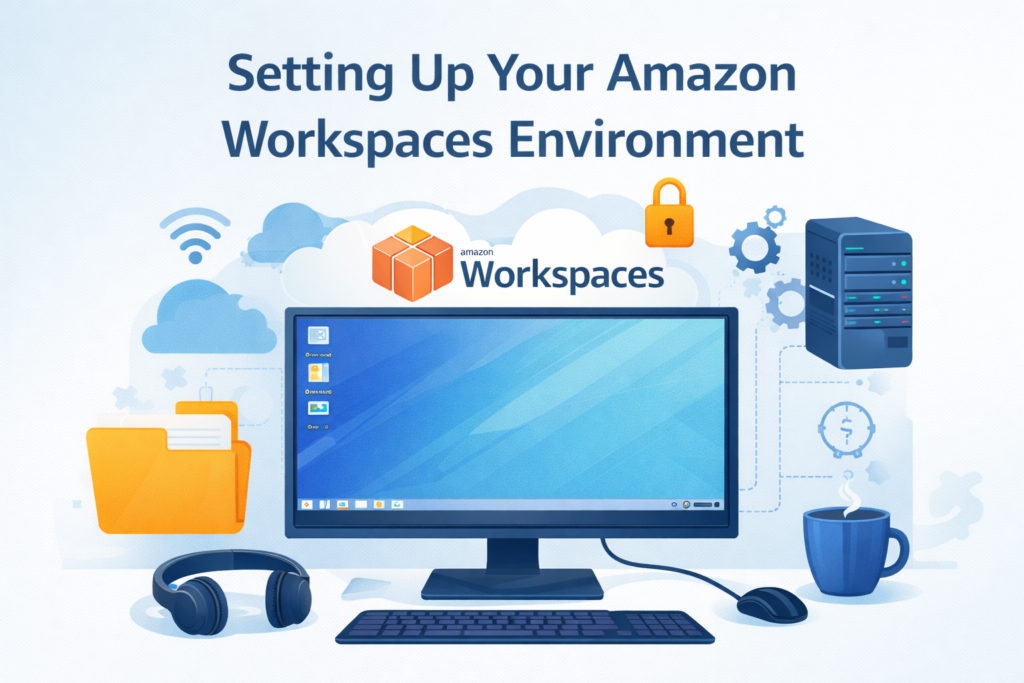
1.Select Your Region: We leverage the AWS Chennai Local Zone to ensure single-digit millisecond latency for local users.
2.Select a Directory Service: Choose between AWS Managed Microsoft AD, Simple AD, or AD Connector to manage user authentication.
3.Choose Your Bundle: Select from Standard, Performance, or Graphics bundles depending on your team’s specific requirements.
4.Launch: Enter the user information, and they will receive an email with instructions on how to connect.
Best Practices for Optimizing Productivity
To get the most out of your cloud desktops, AltF9 Technology Solutions Pvt Ltd recommends:
- Robust Network Infrastructure: Ensure sufficient bandwidth. We regularly monitor performance to maintain optimal conditions.
- Multi-Factor Authentication (MFA): Add an extra layer of protection by requiring two or more verification factors for access.
- Regular Maintenance: Utilize automated patch management to keep your virtual desktops up to date with the latest security updates.
Troubleshooting Common Issues
Despite its robust features, users may occasionally encounter issues:
- Connectivity: If users experience latency, we check the network connection and security group settings.
- Performance: If a desktop runs slowly, we can instantly upgrade to a higher instance type to meet the workload.
- Authentication: We ensure directory services are correctly synchronized to prevent login failures, especially when MFA is enabled.
Frequently Asked Questions (FAQ)
1. Is Amazon Workspaces secure for my business?
Yes. Because data is stored in the AWS cloud and not on the local device, your information remains safe even if a laptop is lost. We also implement Multi-Factor Authentication (MFA) for every login.
2.Can I use my existing Windows licenses?
Absolutely. Amazon Workspaces allows you to “Bring Your Own License” (BYOL), which can significantly reduce your monthly costs if you already have eligible licenses.
3.What happens if my internet connection is slow?
Amazon’s streaming protocol is highly optimized for low-bandwidth situations. For the best experience in Chennai, we recommend a stable connection of at least 2–5 Mbps per user.
4.Does AltF9 Tech provide support in Chennai?
Yes. AltF9 Technology Solutions Pvt Ltd provides end-to-end managed services, including initial setup, security hardening, and ongoing 24/7 technical support for your cloud desktops.
Conclusion and Future Trends
Amazon Workspaces is a powerful tool for organizations looking to maximize productivity. Looking ahead, we expect even more seamless integration with AI-driven features to improve performance and security. By embracing these innovations, your organization in Chennai can thrive in the digital age.
📞 Contact AltF9 Technology Solutions Pvt Ltd
Location: Chennai, India.
Website: https://altf9.tech
Email: Contact@altf9.tech
Phone: +91 8056005901